Chapter 7:Input and Output
What Is Input?
Input is any data and instructions entered into the memory of a computer

Keyboards
Keyboard is an input device that contains keys users press to enter data and instructions into a computer or mobile device


Pointing Devices
A pointer is a small symbol on the screen whose location and shape change as a
user moves a pointing device
v Mouse
v Touchpad
v Pointing stick
v Trackball
Pen Input
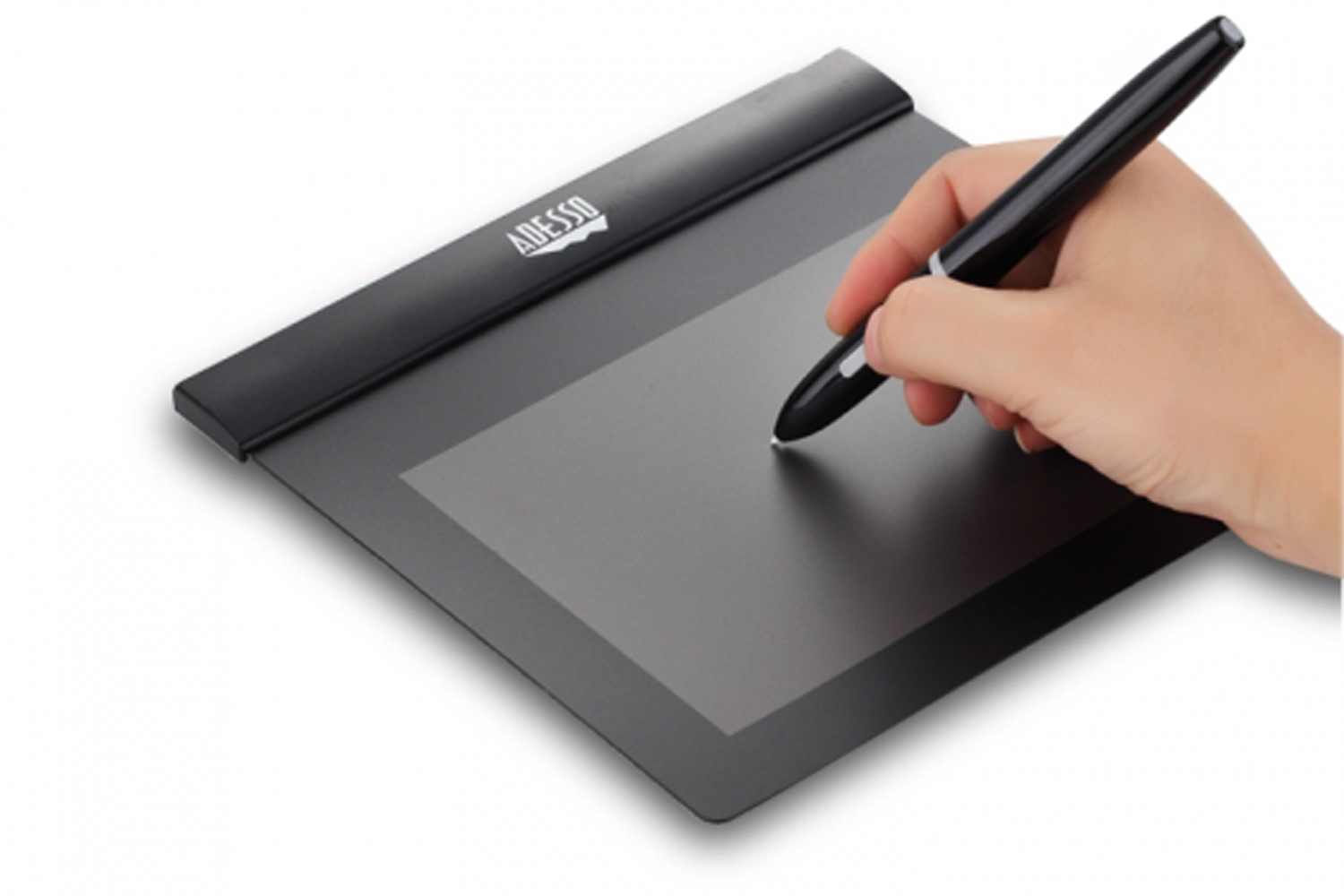
Ø With pen input, you touch a stylus or digital pen on a flat surface to write, draw, or make selections
Ø A graphics tablet, also called a digitizer, is an electronic plastic board that detects and converts movements of a style or digital pen into signals that are sent to the computer
Motion Input
With motion input, sometimes called gesture recognition, users can guide on-screen elements using air gestures

Voice Input
Ø Voice input is the process of entering input by speaking into a microphone
Ø Voice recognition, also called speech recognition, is the computer or mobile
device’s capability of distinguishing spoken words

Audio Input
Ø Audio input is the process of entering any sound into the computer such as speech, music, and sound effects
Ø Music production software allows users to record, compose, mix, and edit music and sounds
Video Input
v Video input is the process of capturing full-motion images and storing them on a computer or mobile device’s storage
medium
v A webcam is a type of digital video (DV) camera that enables a user to:

Scanners and Reading Devices
i. Capture video and still images
ii. Send email messages with video attachments
iii. Add live images to instant messages
iv. Broadcast live images over the Internet
v. Conduct video conferences
vi. Make video calls
Scanners and Reading Devices
Scanner is a light sensing input device that reads printed text and graphics and
then translates the results into a form the computer can process




v A bar code reader, also called a bar code scanner uses laser beams to read bar codes
v A QR code stores information in both a vertical and horizontal direction
v Magstripe readers read the magnetic stripe on the back of cards
What Is Output?
Output is data that has been processed into a useful form
Displays
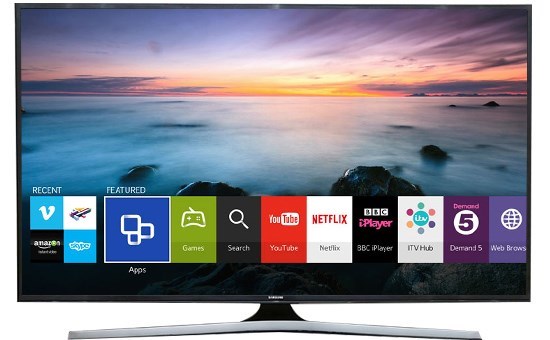
v A display visually conveys text, graphics, and video information
v A monitor is a display that is packaged as a separate peripheral device
i. LCD monitor
v To display the highest quality images, the monitor should plug into:
i. A DVI port
ii. An HDMI port
iii. A Display Port
v HDTV is the most advanced form of digital television
Ink-jet printers
-forms characters and graphics by spraying tiny drops of liquid ink onto a piece of paper
-Color or black-and-white
-Speed is measured by the number of pages per minute (ppm) it can print
|
All-in-one printers
-a single device that prints, scans, copies, and in some cases, faxes
-Sometimes called a multifunction printer
|
Photo printers
|
Thermal printers
-generates images by pushing electrically heated pins against the heat-sensitive paper
|
Laser printers
-high speed
-black and white
-high quality
-colour
|
Mobile printers
-a small, lightweight, battery-powered printer that allows a mobile user to print from a mobile device
|
Thermal Printer
-generates images by pushing electrically heated pins against the heat-sensitive paper
|
Mobile Printer
-Small
-lightweight
-Battery powered printer that allow a mobile user to print from a device
|
Label Printer
-small printer that prints on an adhesive-type material that can be placed on a variety of items
|
Impact Printer
-form characters and graphics on a piece of paper by striking a mechanism against an inked ribbon that physically contacts the paper
|
v Speaker
v Headphones
v Earbuds
Assistive Technology Input and Output
v Braille input
v Braille printer
Comments
Post a Comment